
Selected client work

Two real projects.
Built to be used.

Explore two deployed websites created for different audiences, information needs, and public workflows.

02
Client projects
2
Distinct audiences
Live
Public websites

Selected work

Different needs. One clear standard.

Each project starts with the information people need, the task they want to complete, and a clear route to the next step.

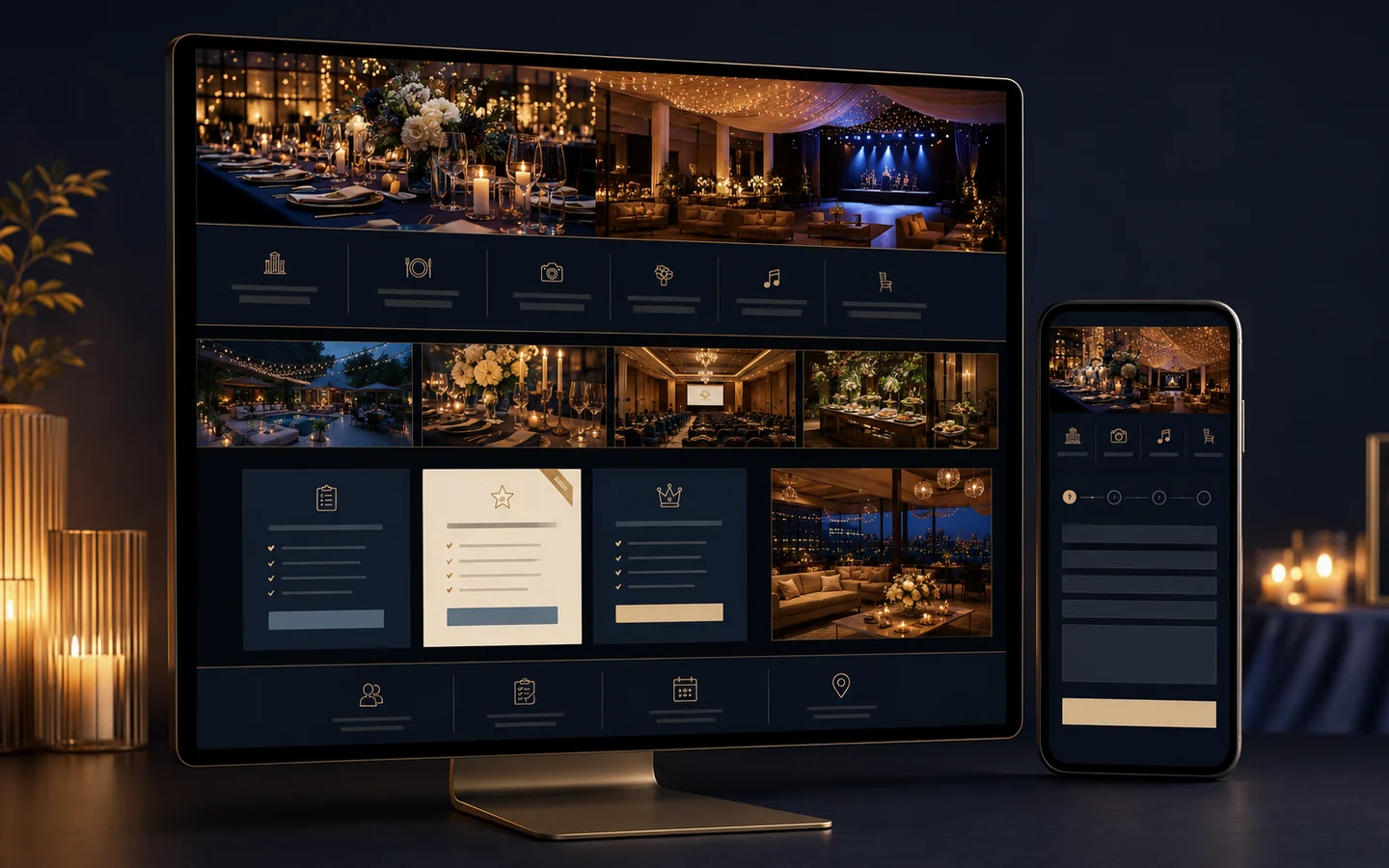
Original project cover illustrating Eventify on desktop and phone with event galleries, service categories, package panels, and an inquiry flow. Live client website
Eventify client project cover.
Event supplier sourcing & coordination Client project

Eventify

An event supplier sourcing and coordination website where clients can explore services, packages, real-celebration galleries, and submit a guided booking inquiry.

Project focus

Bring event offerings, visual examples, package information, and booking questions into one guided public experience.

What visitors can do

  • Browse service categories and package options
  • Explore real-celebration galleries
  • Submit a guided booking inquiry
Visit Eventify (opens in a new tab) eventify-six-eta.vercel.app
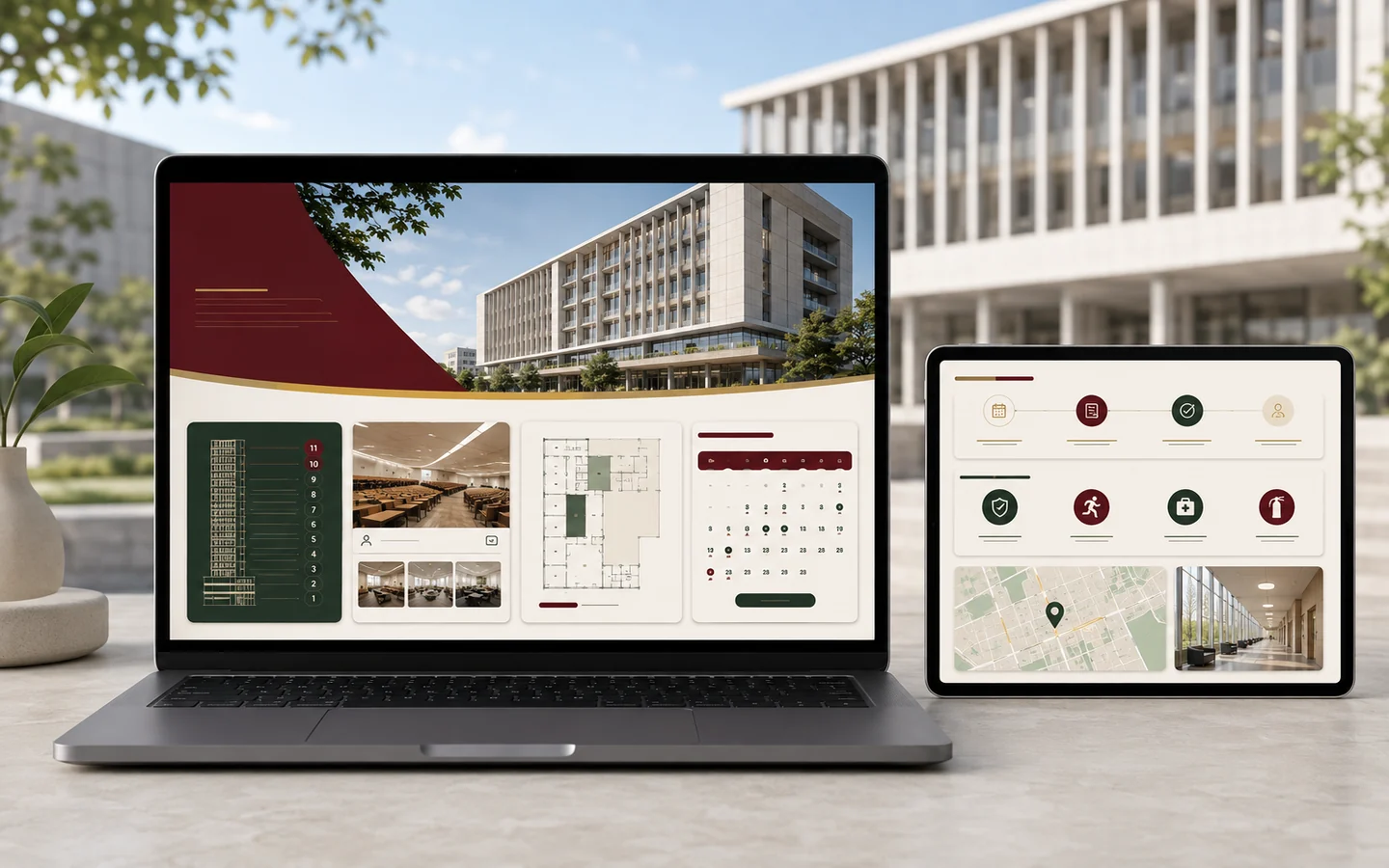
Original project cover illustrating the UPCM HSS-MSB building guide on laptop and tablet with a floor directory, calendar, safety resources, and map. Live institutional website
UPCM HSS-MSB Building Guide client project cover.
Institutional website · Facility directory Client project

UPCM HSS-MSB Building Guide

A centralized building guide featuring an 11-floor room directory, availability calendar, reservation workflow, safety resources, and location details in one place.

Project focus

Make a multi-floor facility easier to navigate by placing room, schedule, safety, and location information in one public guide.

What visitors can do

  • Find rooms through an 11-floor directory
  • Check calendar availability and reservation guidance
  • Access safety resources and location details

What the work shows

Useful before impressive.

The visual style changes with the client. The standard for clarity, usability, and a purposeful next step stays the same.

Information first

Content is organized around what visitors need to understand, compare, or find.

Responsive experience

Pages remain readable and actionable across desktop, tablet, and mobile screens.

Workflow-aware design

Each interface leads people toward the action that matters for that organization.

Your project, properly scoped

Have a workflow that needs a clearer website?

Tell us what people need to see or do. We will map the right pages, features, timeline, and written scope around your actual requirements.